How do I log in to CrisisGo?
CrisisGo offers multiple ways to sign in depending on your organization's configuration. Select your login method below for instructions
Sign In with Single Sign-On (SSO)
If your organization uses Single Sign-On (SSO), select the appropriate option below for detailed, printable instructions.
Google SSO
Microsoft / ADFS SSO
Sign In with Email and Password
If your organization does not use SSO, you can sign in using your CrisisGo email address and password.
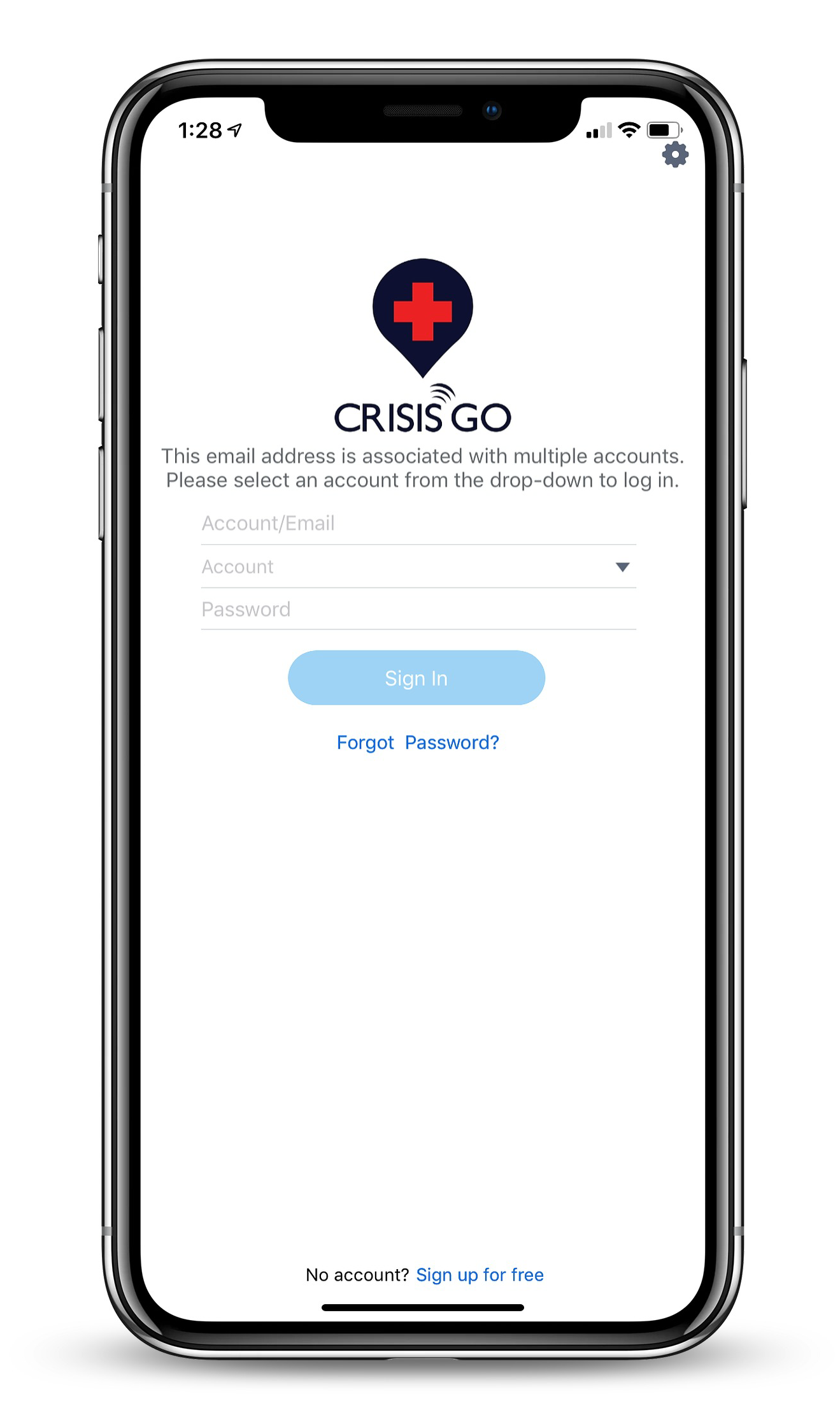
- Open the CrisisGo app.
- Enter the email address associated with your CrisisGo account.
- Enter your password.
- Select Sign In.
Sign In with Single Sign-On (SSO)
If your organization uses Single Sign-On (SSO), select your SSO provider and device type below for detailed login instructions.
Google SSO
Microsoft / ADFS SSO
Need Help?
If you're having trouble signing in or aren't sure which login method your organization uses, please contact support@crisisgo.com for assistance.